Does Proton VPN Work in China? My Ongoing Tests in Chongqing

I live in Chongqing and use Google, YouTube, ChatGPT, X, and Instagram almost every day. For me, a VPN is not something I only need occasionally. It is part of my everyday work and internet use.
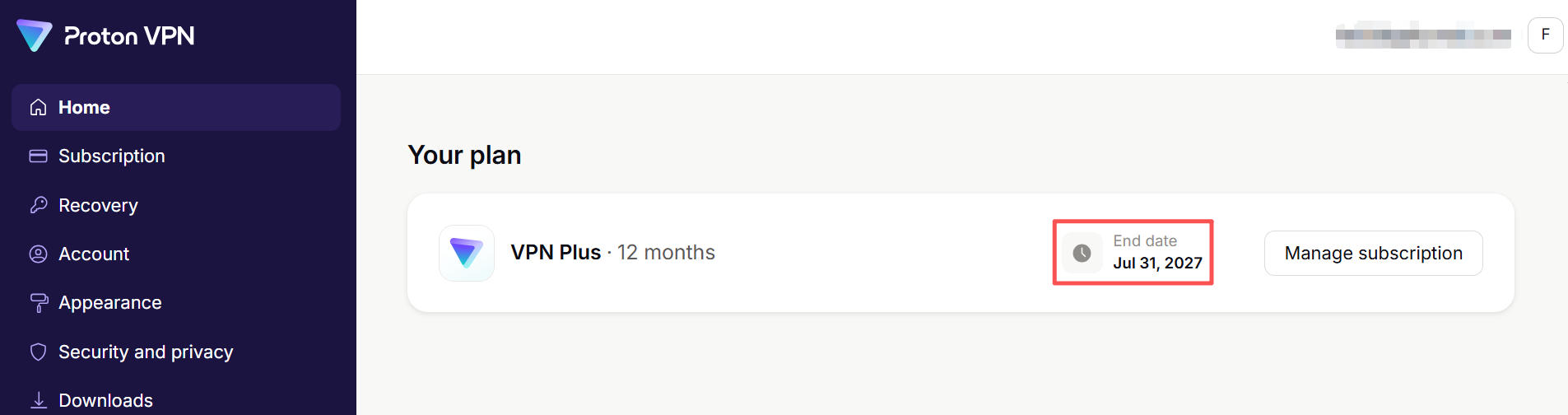
I started using Proton VPN on July 31, 2026, mainly on a Windows PC and an iPhone. All of the testing in this review has been done on regular home internet and cellular networks in mainland China.
As with most of the travel guides on my site, I want this article to focus on my own real-world experience, rather than simply restating Proton’s official specifications, such as its server count or encryption protocols.
I also paid for Proton VPN myself. This is not sponsored by Proton. I will continue updating this review based on my actual experience, including what works, what does not, and any problems I run into.
Does Proton VPN work in China?
Based on my experience so far, the short answer is:
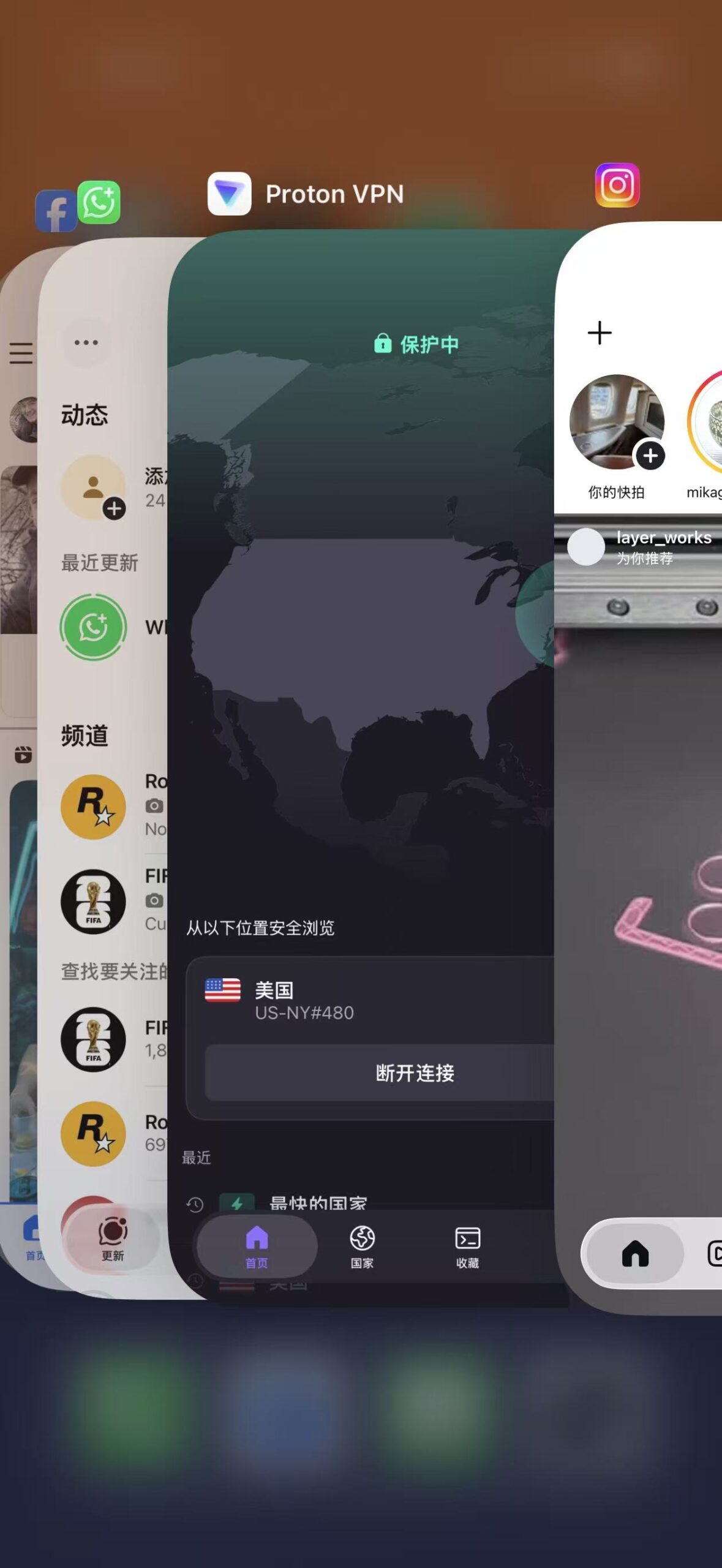
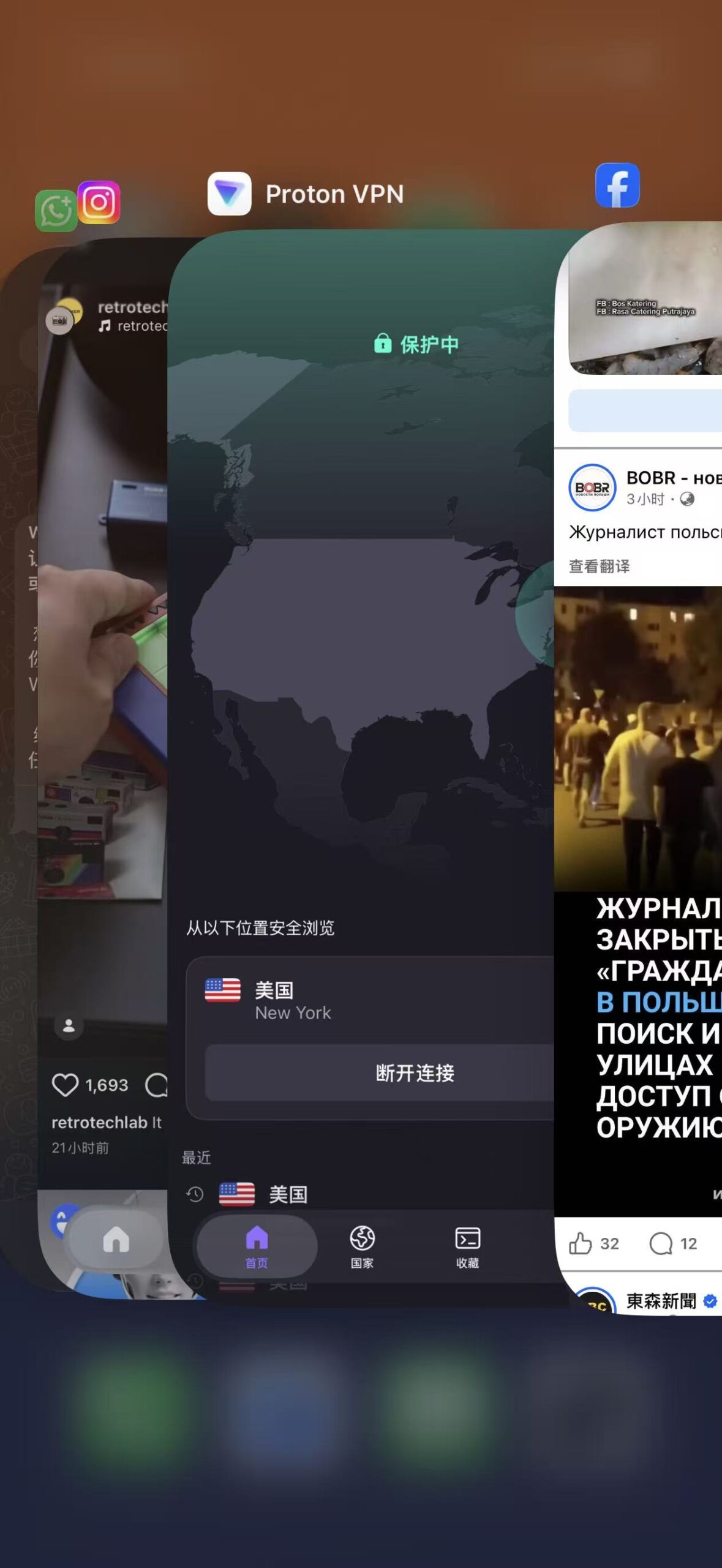
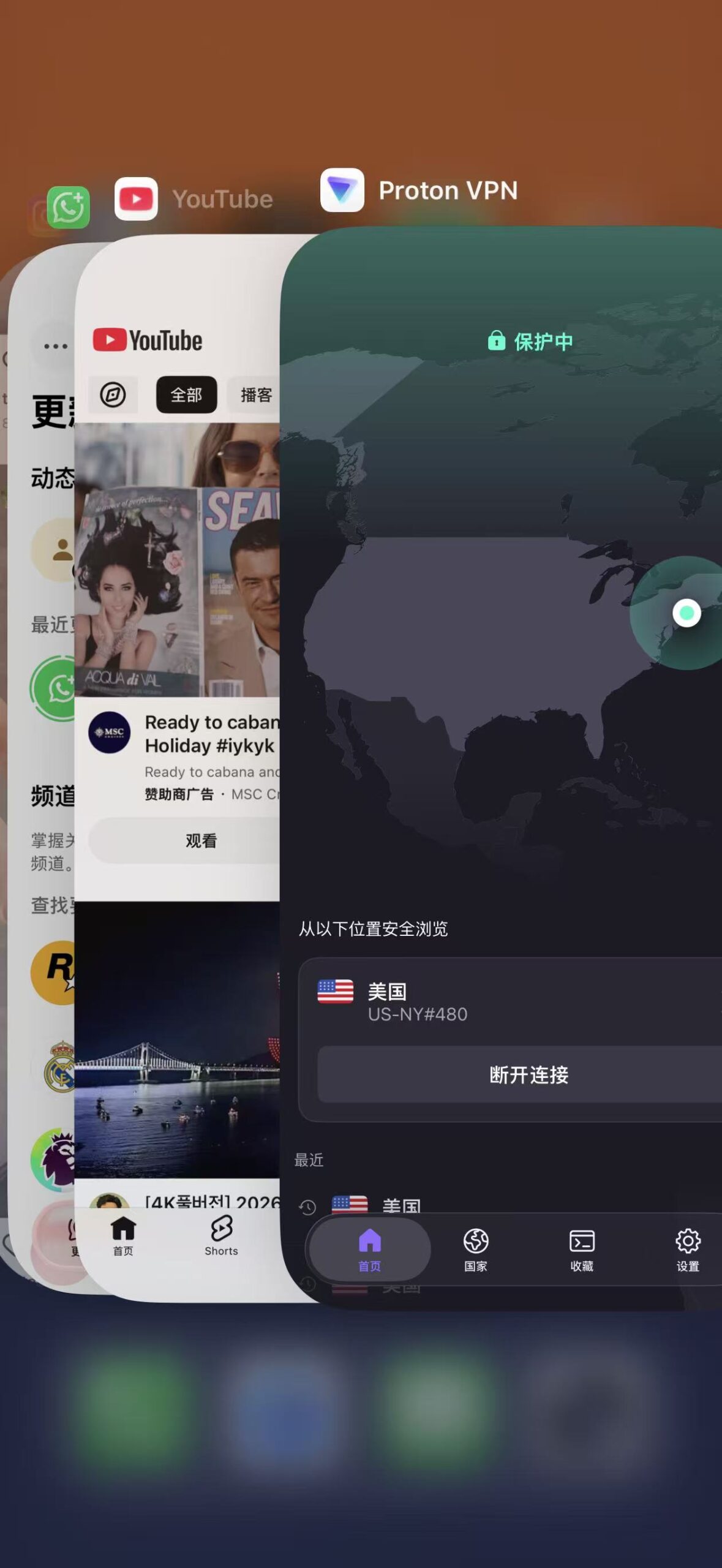
Yes. Most of the time, I can use Google, YouTube, ChatGPT, X, Instagram, Facebook, WhatsApp, and other services normally. However, Proton VPN is not consistently reliable.
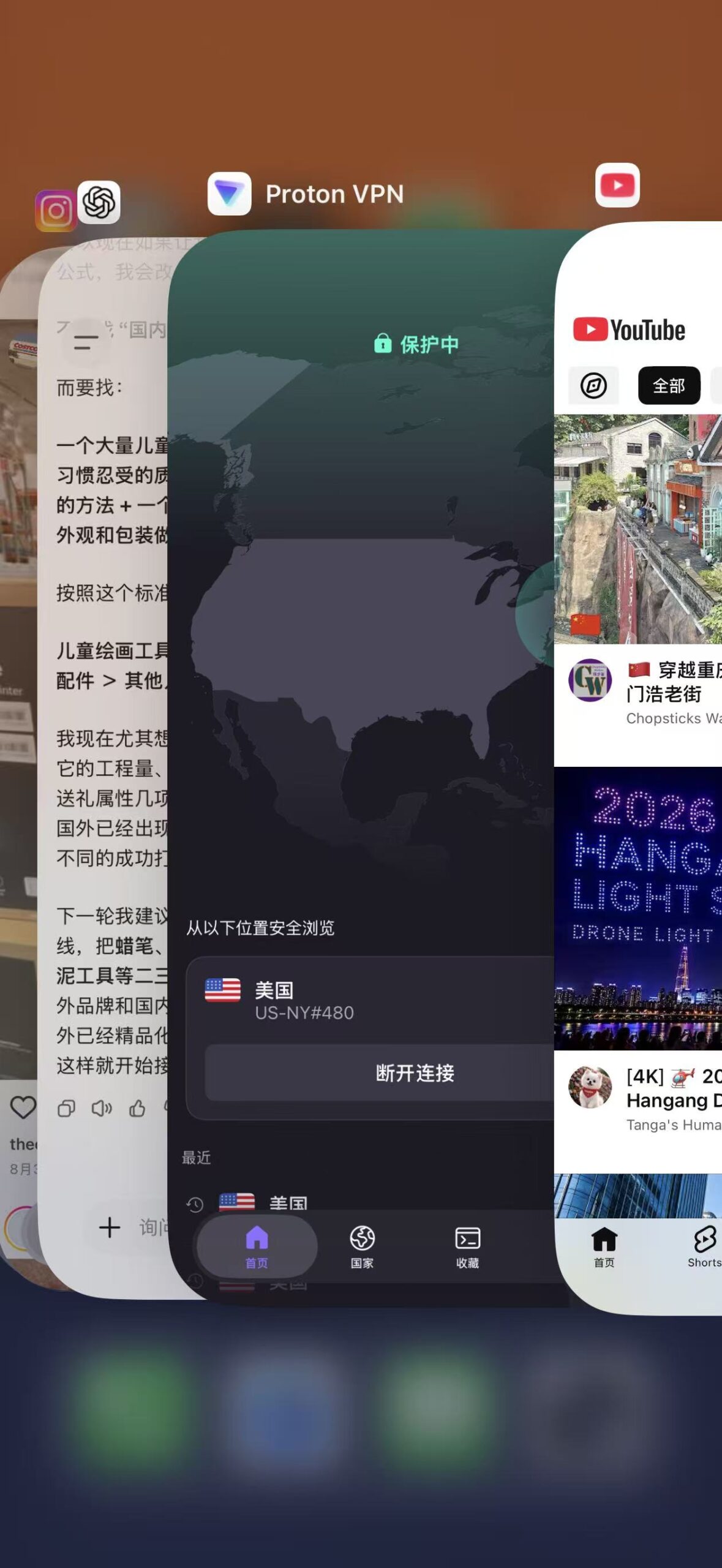
For a while after I started using Proton VPN, it worked fairly well on both my Windows PC and iPhone. Connections occasionally failed, but switching to another server or changing the protocol got it working again.
After using it for longer, however, I began running into problems that might not show up during short-term use.
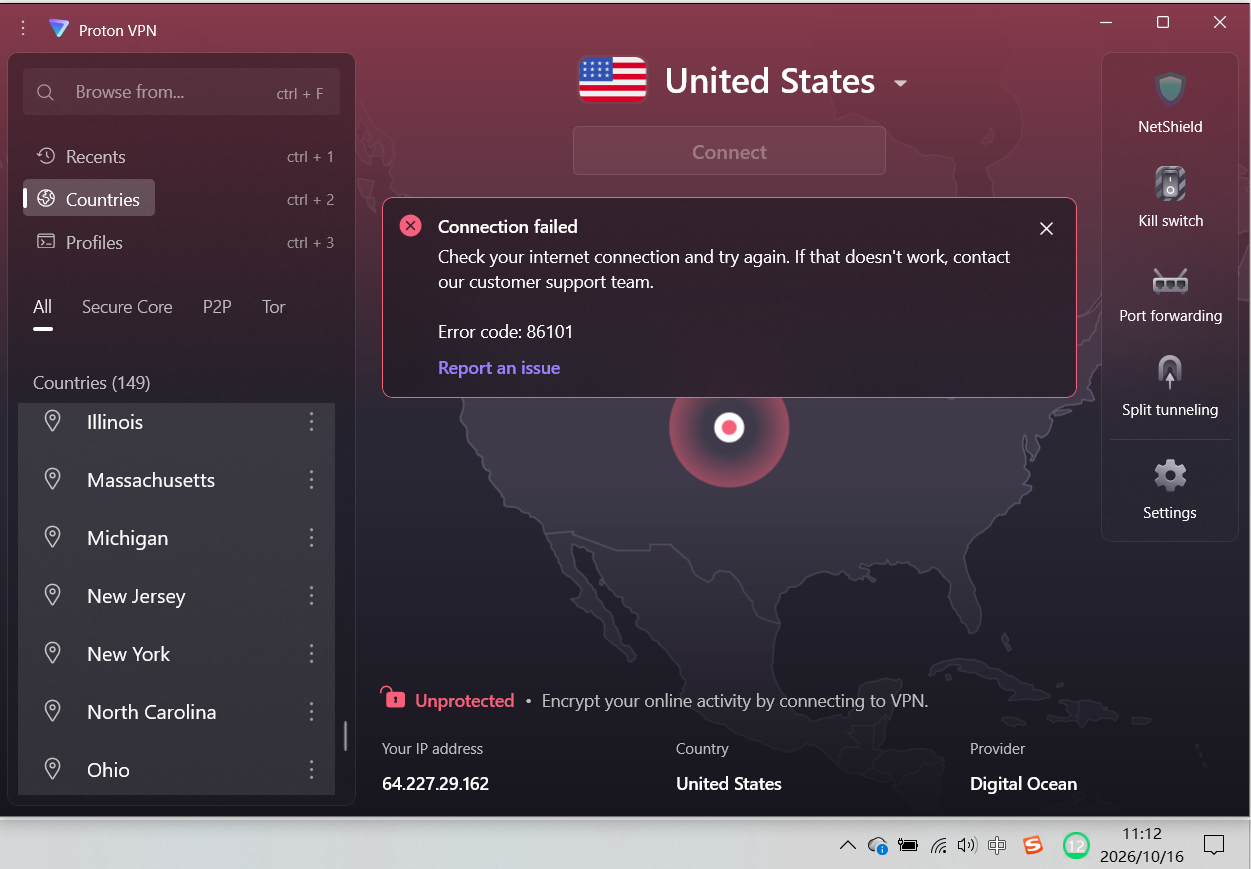
The clearest example has been on Windows. Since mid-September, I have tried to connect to Proton VPN on my PC multiple times, and every attempt has failed. I tried different servers and protocols, and even uninstalled and reinstalled the app, but none of that fixed the problem. During the same period, Proton VPN continued to work on my iPhone.
So if the question is “Does Proton VPN work in mainland China?”, my answer is still yes.
But if the question is “Can I rely entirely on Proton VPN in mainland China?”, I would lean toward no, because I can’t count on it to connect successfully every time.
So I’ve also subscribed to ExpressVPN as a backup. I’ve now written a separate article about my experience using ExpressVPN, which you can read here.
Overall Results
|
Item |
Details |
|---|---|
|
Using since |
July 31, 2026 |
|
Test location |
Chongqing, mainland China |
|
Devices |
Windows PC, iPhone |
|
Main uses |
Google, YouTube, ChatGPT, X, Instagram, Facebook, WhatsApp, etc. |
|
Overall impression |
Works, but is not consistently reliable |
Problems I’ve encountered with long-term use
1. Download the app and sign in before entering mainland China
Access to Proton VPN’s services is blocked in mainland China, so make sure the app is installed and you are signed in before you arrive. Once inside mainland China, you will not normally be able to access Proton’s website or sign in to your account.
Proton also currently recommends completing the setup before traveling to China and using Stealth Protocol and Alternative Routing to improve the chances of connecting successfully.
2. Connection failures on iPhone
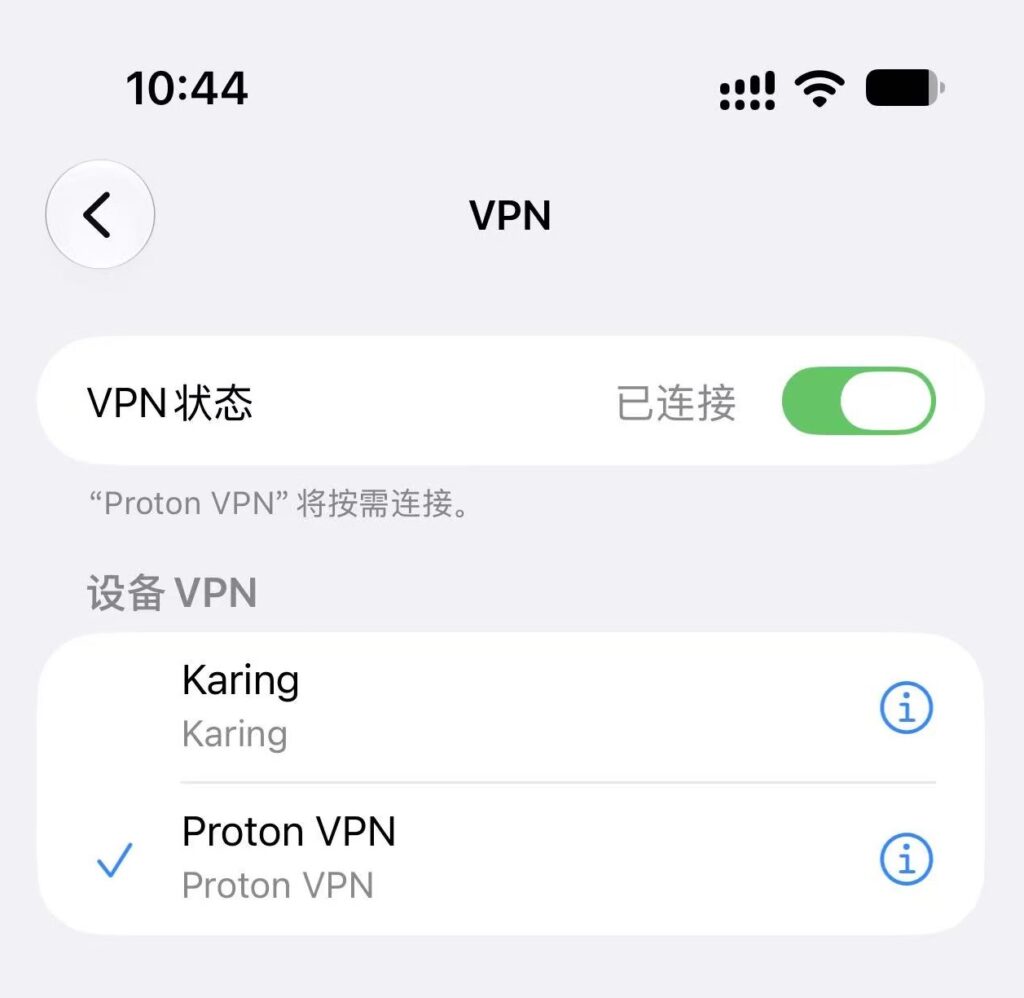
On my iPhone, sometimes nothing happens when I first select a server. Switching to another server gets it working again.
There have also been times when changing servers and protocols did not help at all. In those cases, I found one method that worked for me:
Go to the iPhone’s VPN settings and delete the existing Proton VPN configuration. Then return to the Proton VPN app and try connecting again so iOS can create a new VPN configuration.
This restored the connection for me on the occasions when I ran into the problem. If you run into the same kind of problem, it may be worth trying.
3. Speeds can vary considerably
I upload videos to YouTube every month, and they are generally around 2 GB each.
On the same internet connection, an upload sometimes takes more than an hour, while at other times it finishes in just over ten minutes.
When browsing Instagram, X, and other social platforms, though, I usually do not notice any obvious slowdown.
4. Chinese apps may become noticeably slower
When Proton VPN is connected, your internet traffic goes through the VPN. In my experience, Chinese apps such as Amap and Taobao can become noticeably slower and sometimes fail to load altogether.
On Windows and Android, Split Tunneling can be used to let selected apps bypass the VPN. Proton VPN’s iPhone and iPad apps, however, currently do not support this feature.
On my iPhone, I normally handle this by switching the VPN on and off as needed. I keep Proton VPN on when I need Google, YouTube, Instagram, ChatGPT, and similar services. If I am using Amap, Taobao, or other Chinese services heavily and they become noticeably slow, I temporarily turn the VPN off.
5. The Windows app is very slow to start
This is a problem I have noticed since I first started using Proton VPN.
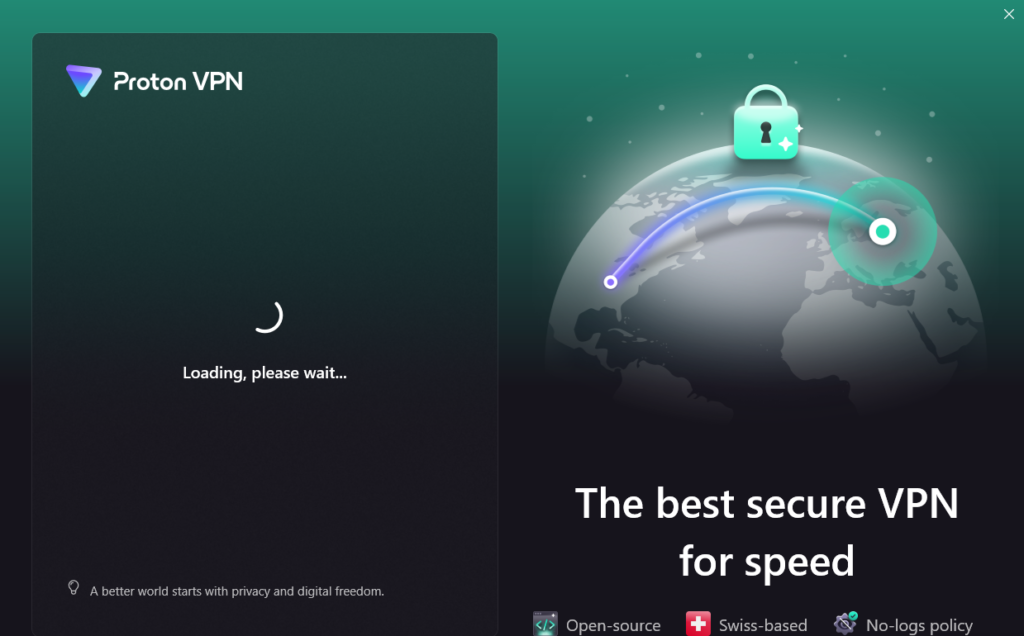
On my Windows PC, the app often sits on the “Loading, please wait…” screen for a long time after I open it. Sometimes it takes more than two minutes before the main interface appears and I can choose a server and connect.
At first I thought the app had frozen. After using it for a while, however, I realized that this happens almost every time I launch it.
Despite these issues, Proton VPN has been usable enough for my everyday needs in China, and I’m continuing to use it for now.
Recent usage
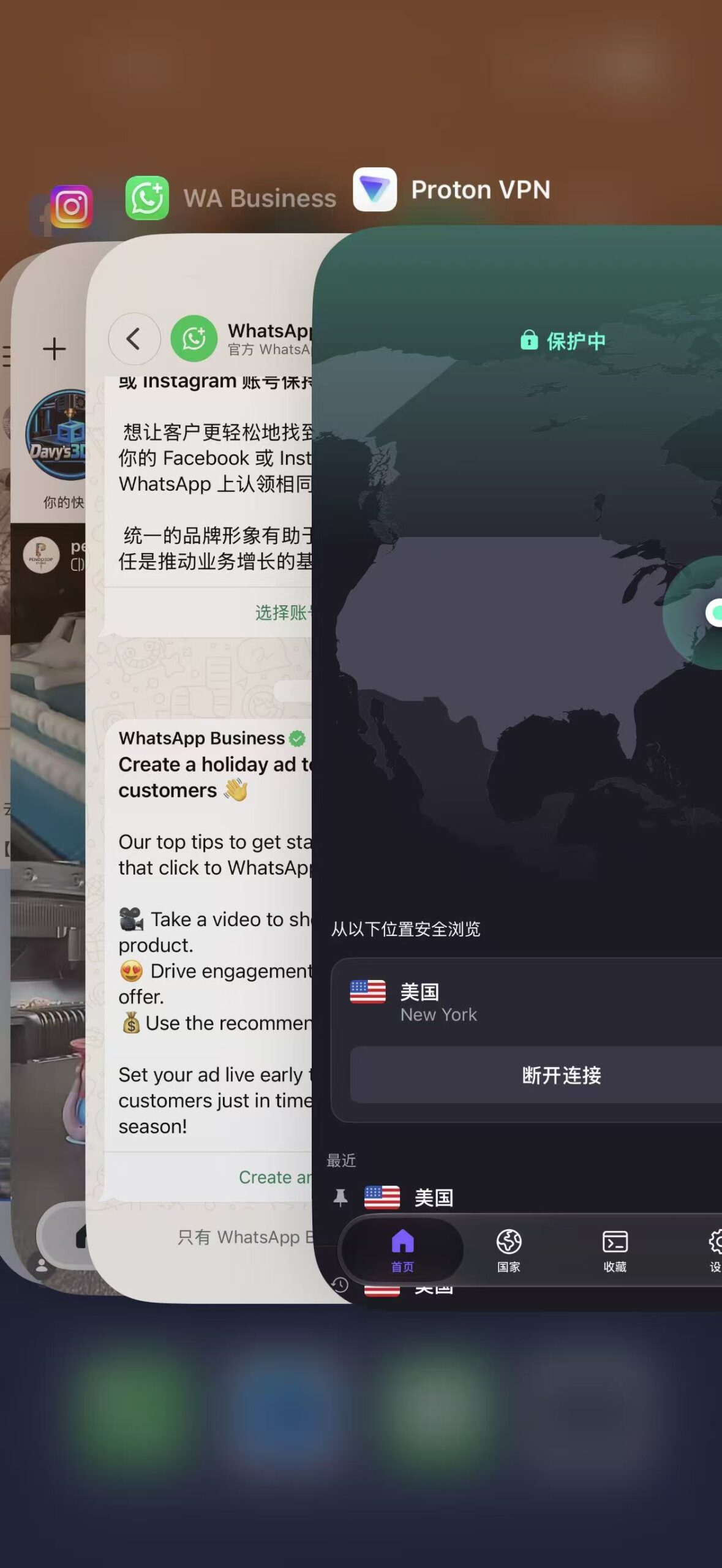
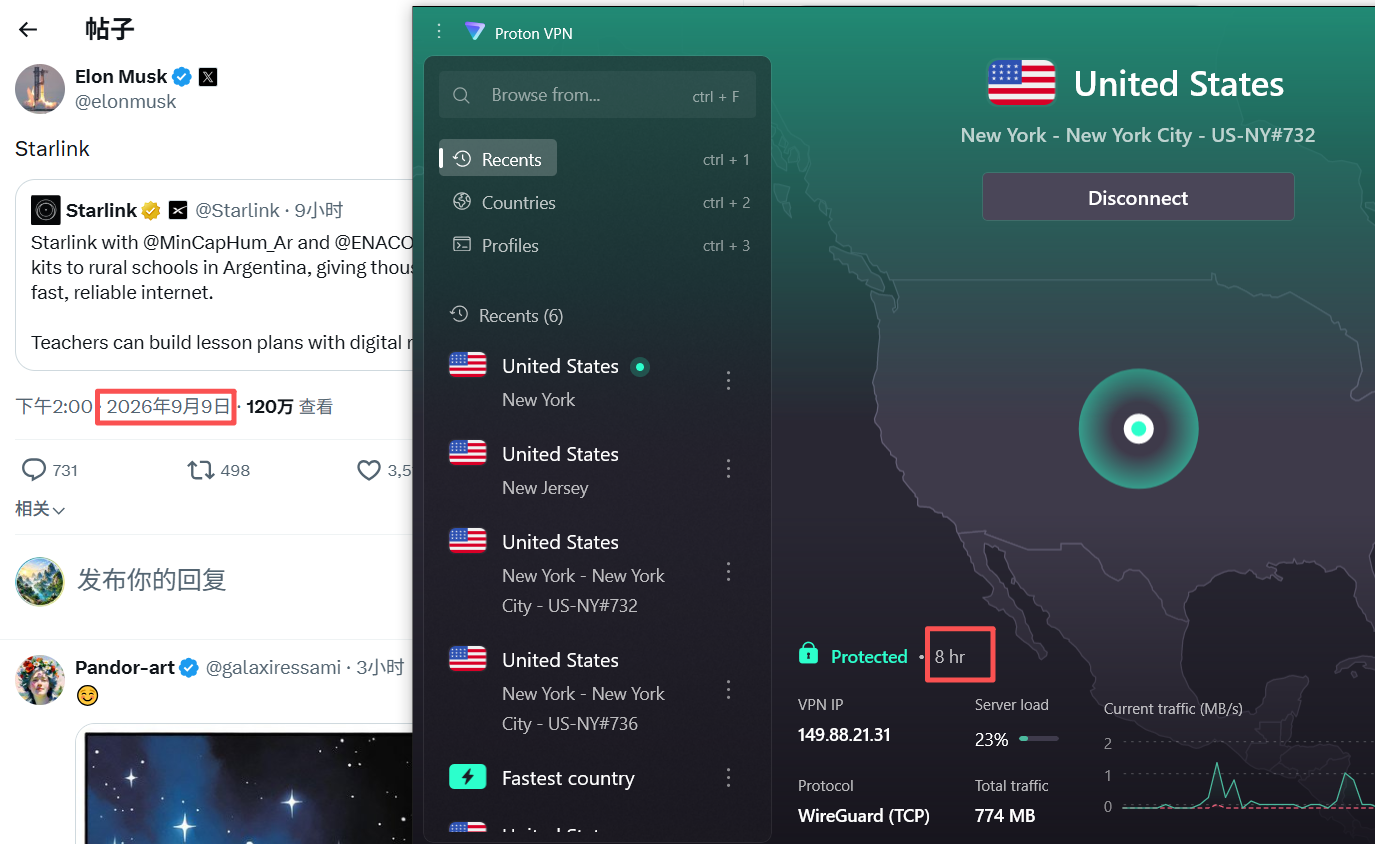
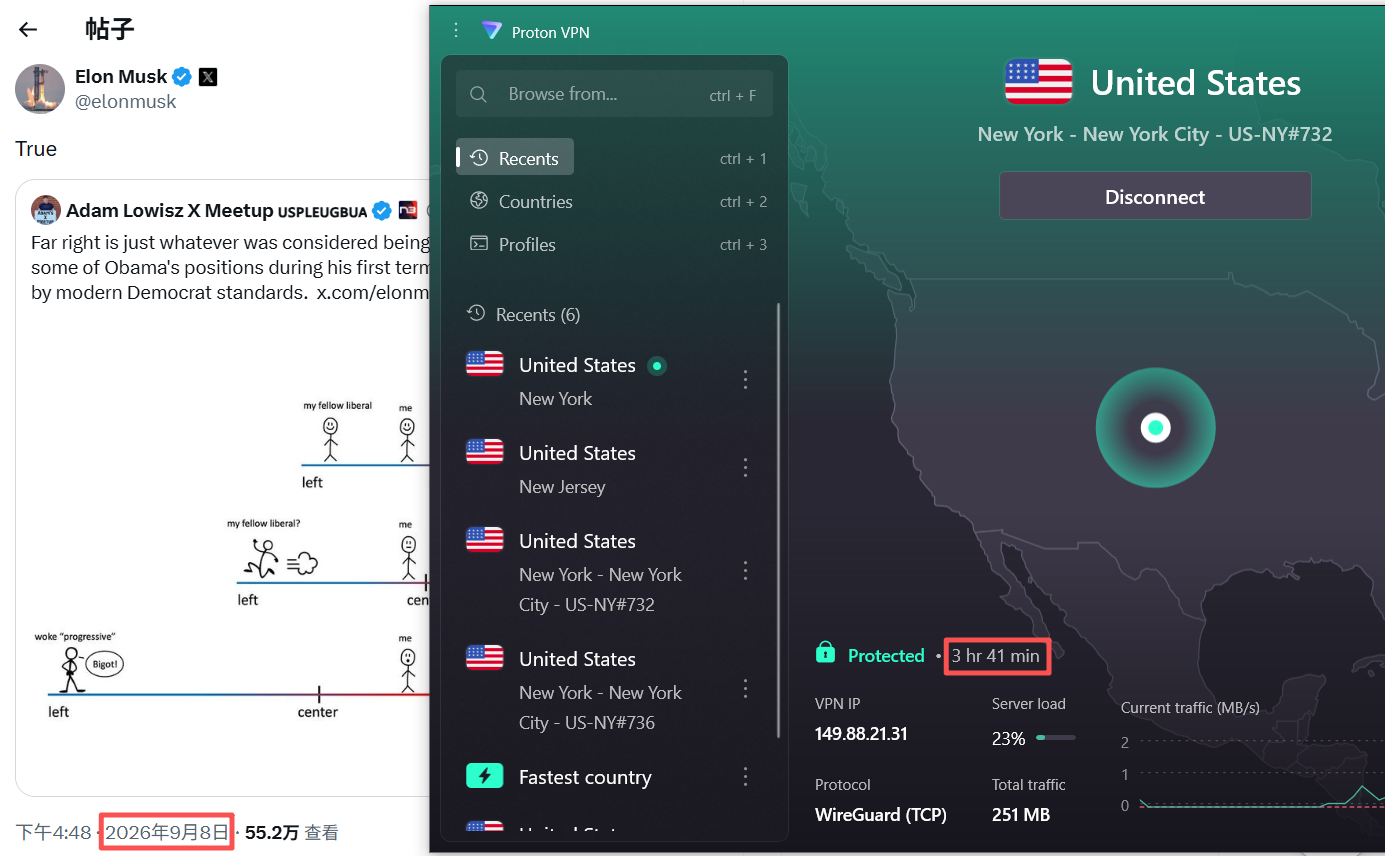
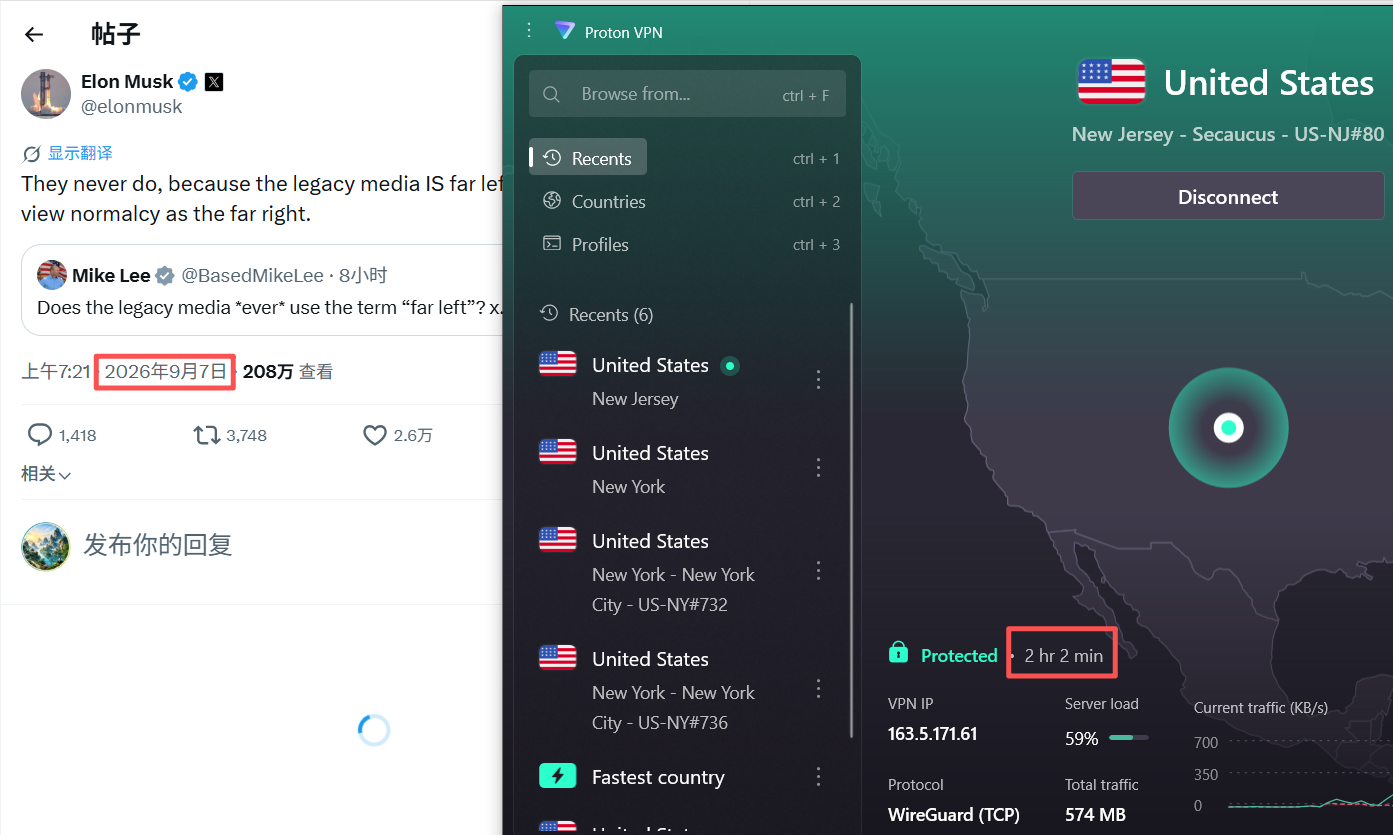
I use Proton VPN far more often than the entries below might suggest. To keep a documented record of my actual usage for this long-term review, I periodically log some of my Proton VPN sessions.
|
Date |
Result |
Device |
Duration |
Services Used |
|---|---|---|---|---|
|
10 月 16日 |
Working |
iPhone |
2 h 43 min |
Instagram, WhatsApp, Facebook |
|
10 月 16日 |
Failed |
Windows PC |
/ |
/ |
|
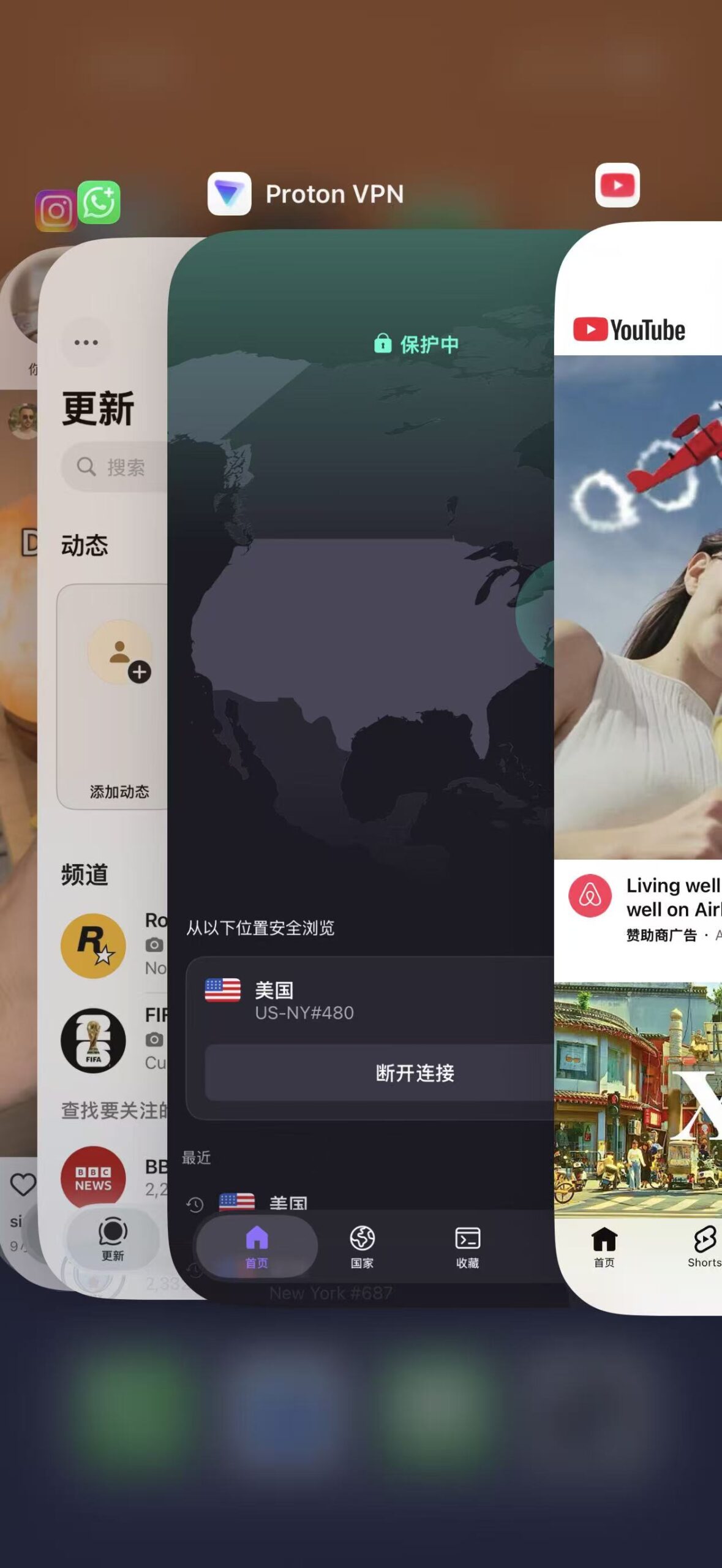
Spe. 21 |
Working |
iPhone |
1 h 6 min |
Instagram, WhatsApp, YouTube, ChatGPT |
|
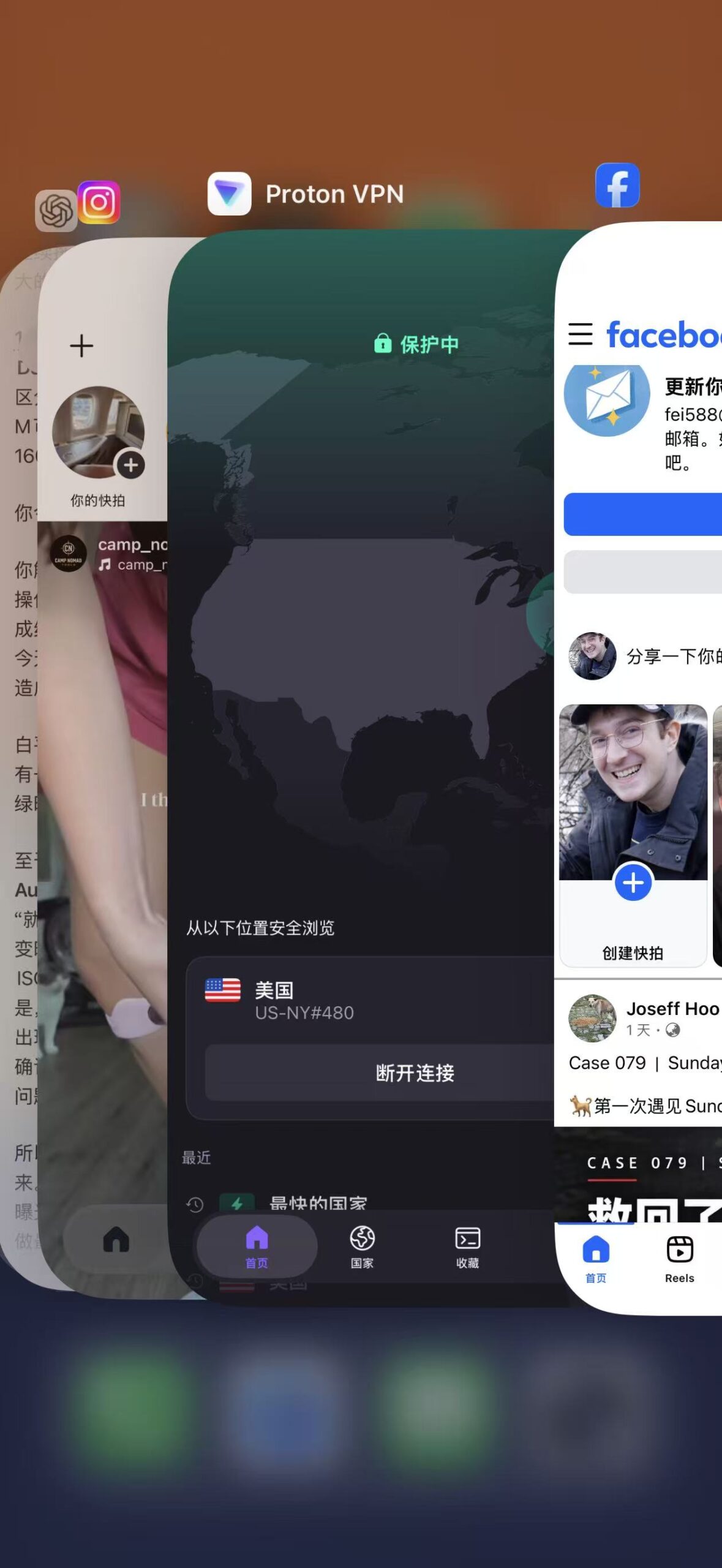
Spe. 19 |
Working |
iPhone |
1 h 52 min |
Facebook, Instagram, ChatGPT, YouTube |
|
Spe. 18 |
Working |
iPhone |
1 h 15 min |
Facebook, Instagram, WhatsApp |
|
Spe. 15 |
Connected with issues |
Windows PC |
A few minutes |
Google, Gemini |
|
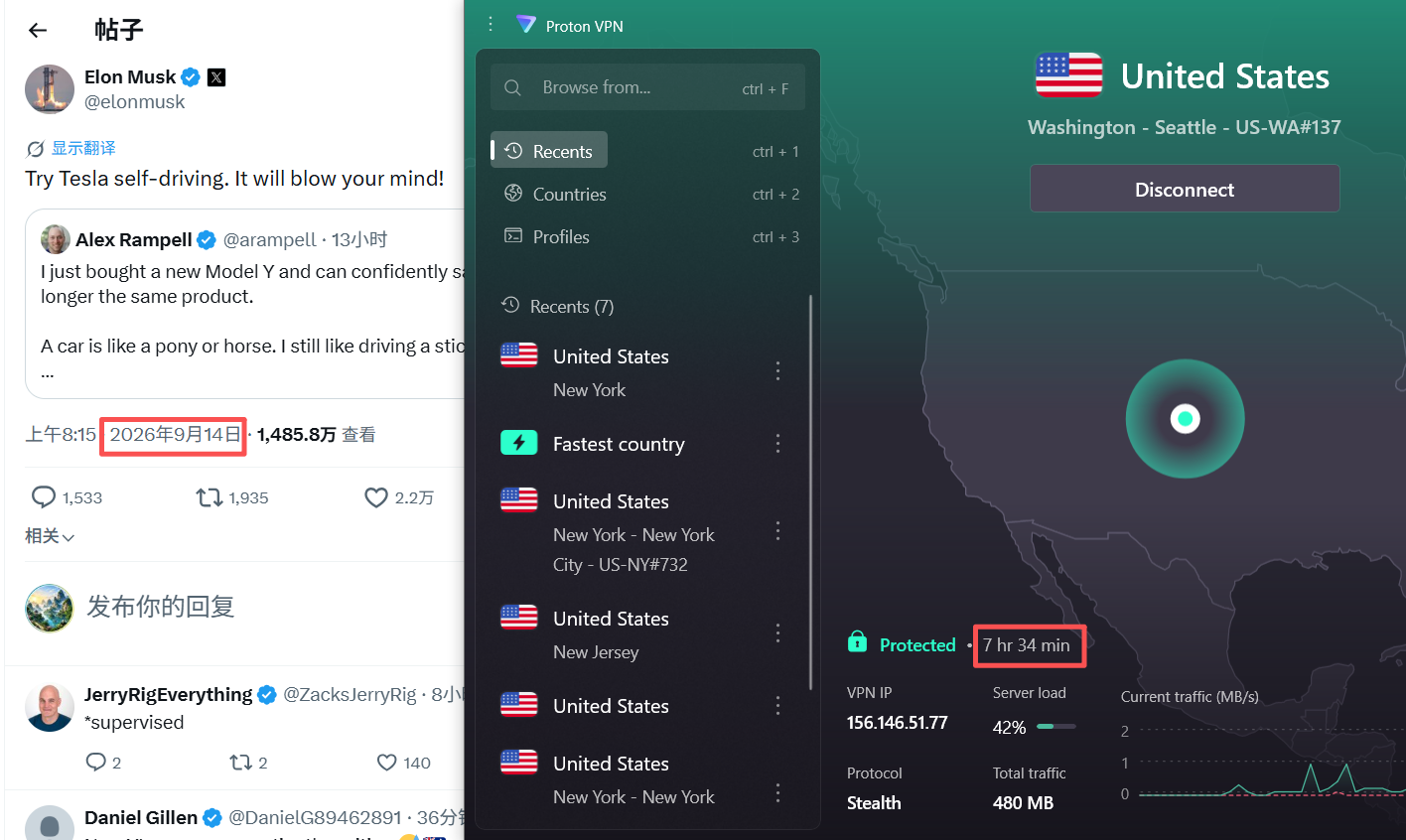
Spe. 14 |
Working |
Windows PC |
7 h 34 min |
ChatGPT, YouTube, Google, X, Reddit |
|
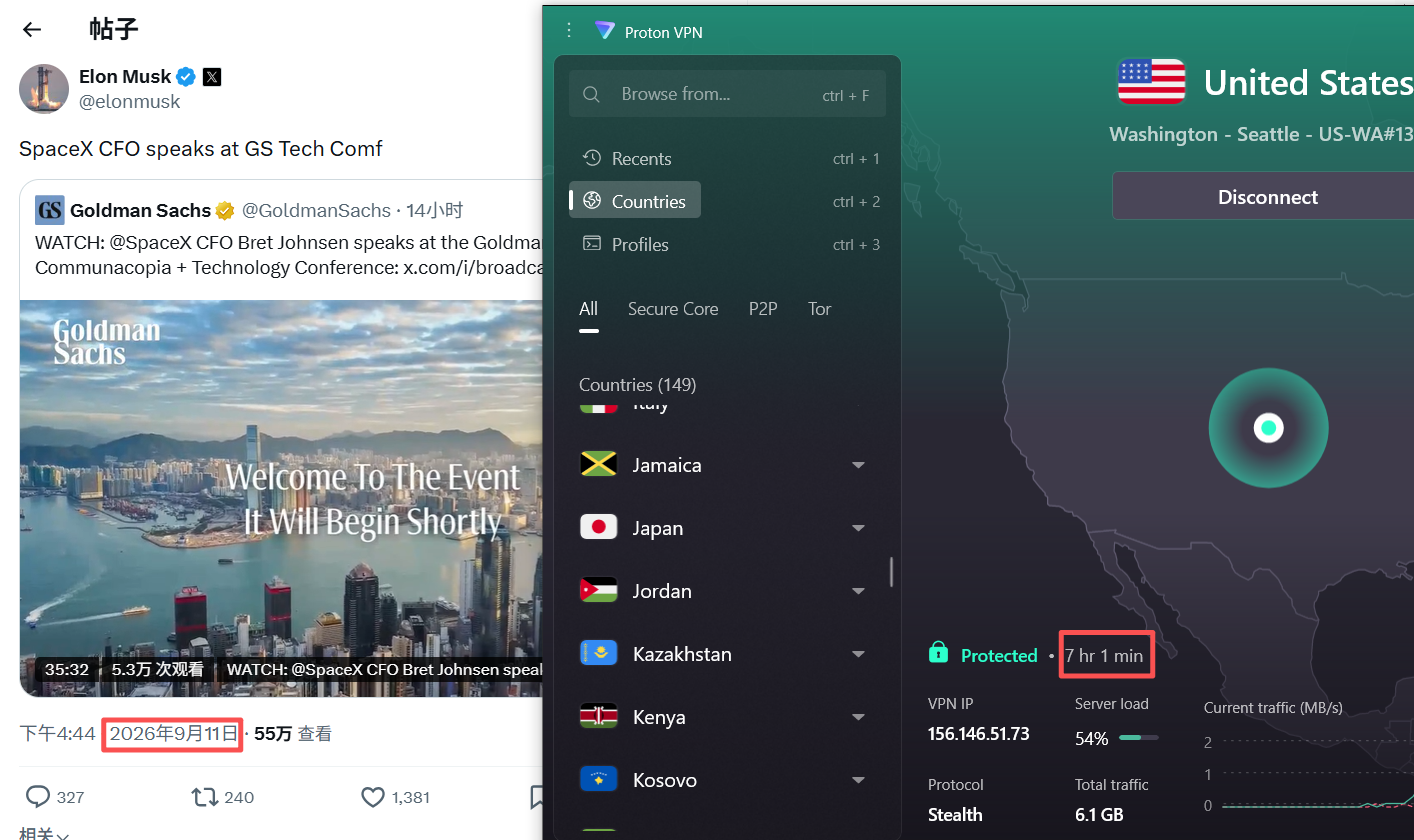
Spe. 11 |
Working |
Windows PC |
7 h 1 min |
ChatGPT, YouTube, Google, X, Instagram |
|
Spe. 9 |
Working |
iPhone |
1 h 41 min |
ChatGPT, YouTube, Instagram, Facebook, WhatsApp |
|
Spe. 9 |
Working |
Windows PC |
8 h 0 min |
ChatGPT, YouTube, Google, X, Instagram |
|
Spe. 8 |
Working |
Windows PC |
3 h 41 min |
ChatGPT, YouTube, Google, X, Facebook |
|
Spe. 7 |
Working |
Windows PC |
2 h 2 min |
ChatGPT, YouTube, X |
|
Spe. 7 |
Working |
iPhone |
1 h 50 min |
ChatGPT, YouTube, Instagram |
|
Spe. 4 |
Working |
iPhone |
2 h 21 min |
ChatGPT, Google, X, YouTube, Instagram, Facebook, WhatsApp |
|
Spe. 3 |
Working |
Windows PC |
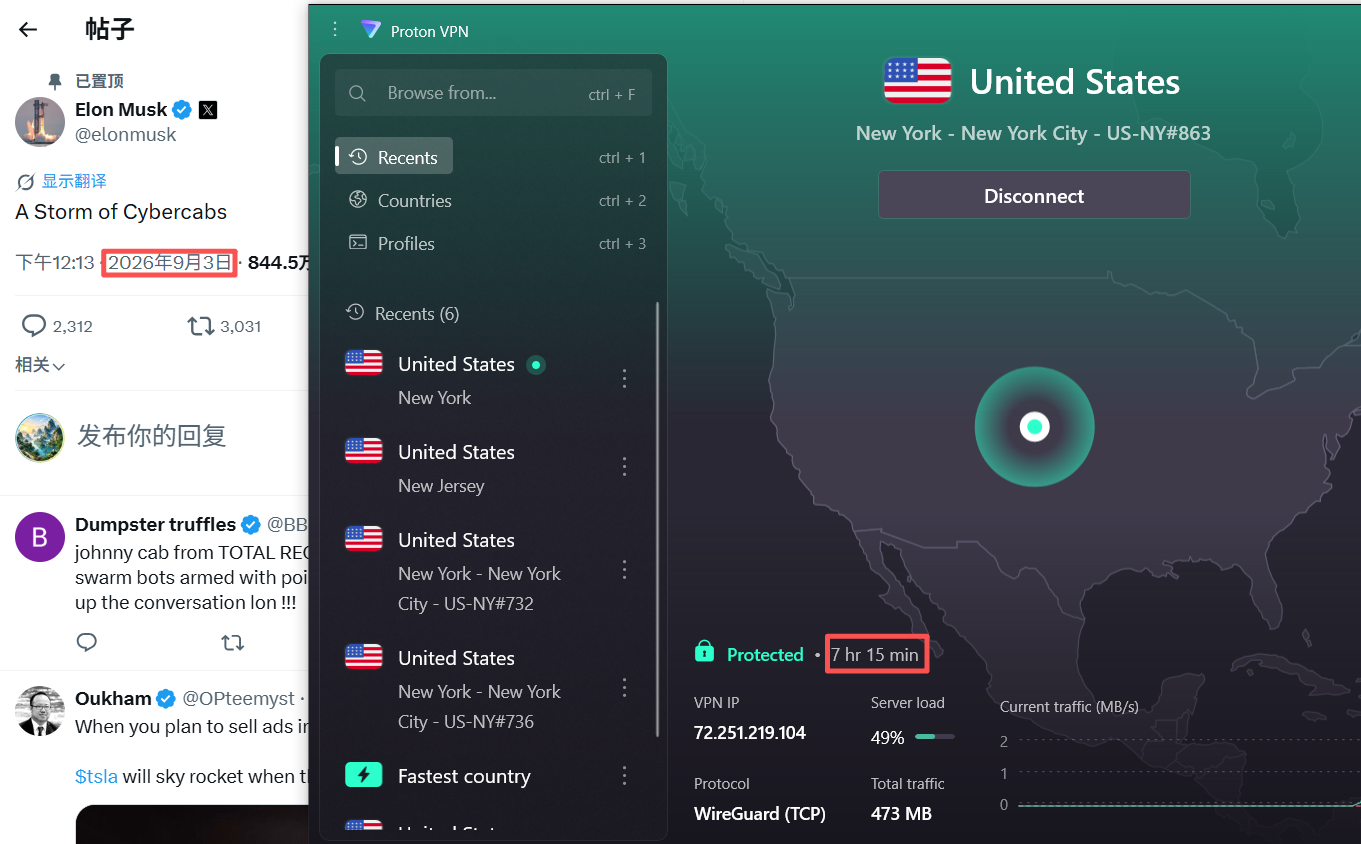
7 h 15 min |
ChatGPT, Google, X, YouTube, Instagram, Facebook |
|
Spe. 2 |
Working |
Windows PC |
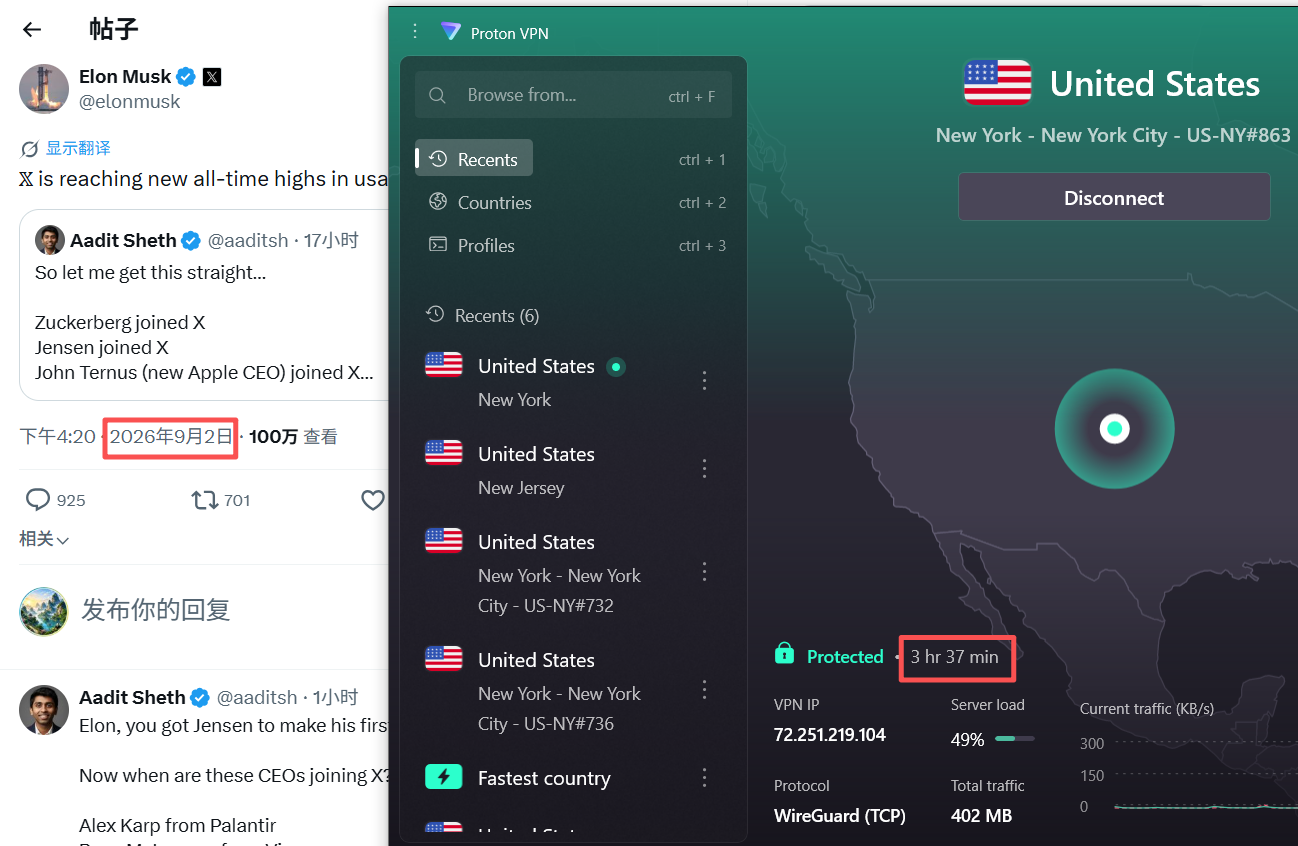
3 h 37 min |
ChatGPT, Google, X, YouTube, Google Map |